Ready to Work Together?
Let's discuss how our expertise can help transform your business.


 Oct 2, 2024
Optimizing Your GitLab Environment Post-Migration
After successfully migrating to GitLab SaaS, the journey doesn’t end. The focus shifts to optimizing the environment to harness the full potential of GitLab’s features, ensuring your organization benefits from improved workflows, efficiency, and scalability.
Evaluate Performance and Optimization
Begin with continuous monitoring of the GitLab SaaS environment to identify any performance issues or bottlenecks. Use GitLab’s built-in monitoring tools to track system health, usage patterns, and potential areas for optimization. Set up alerts for critical metrics to proactively address issues before they impact users.
Identify and Implement Optimization Opportunities
Based on monitoring data and user feedback, identify opportunities to optimize configurations, workflows, and resource utilization. This might involve refining CI/CD pipelines, adjusting resource allocations, or automating more processes. Adopt an iterative approach to optimization, prioritizing changes that deliver the most significant impact on performance and user satisfaction.
Establish Feedback Mechanisms
Implement structured mechanisms to collect feedback from users on their experience with the GitLab SaaS environment. Surveys, user forums, and regular review meetings can be effective tools for gathering insights. Use this feedback to make informed decisions about further optimizations and enhancements.
Plan for Ongoing Evaluation and Enhancement
Develop a continuous improvement plan that includes regular reviews of system performance, user feedback, and emerging GitLab features that could benefit your organization. Create a checklist for ongoing evaluation, including key performance metrics, scheduled feedback sessions, and milestones for implementing enhancements.
Best Practices
By focusing on post-migration optimization, you can ensure that your organization fully leverages GitLab’s capabilities for long-term success. For a detailed guide on post-migration optimization, download our free “Guide to GitLab Migrations” from this landing page.
 DevOps
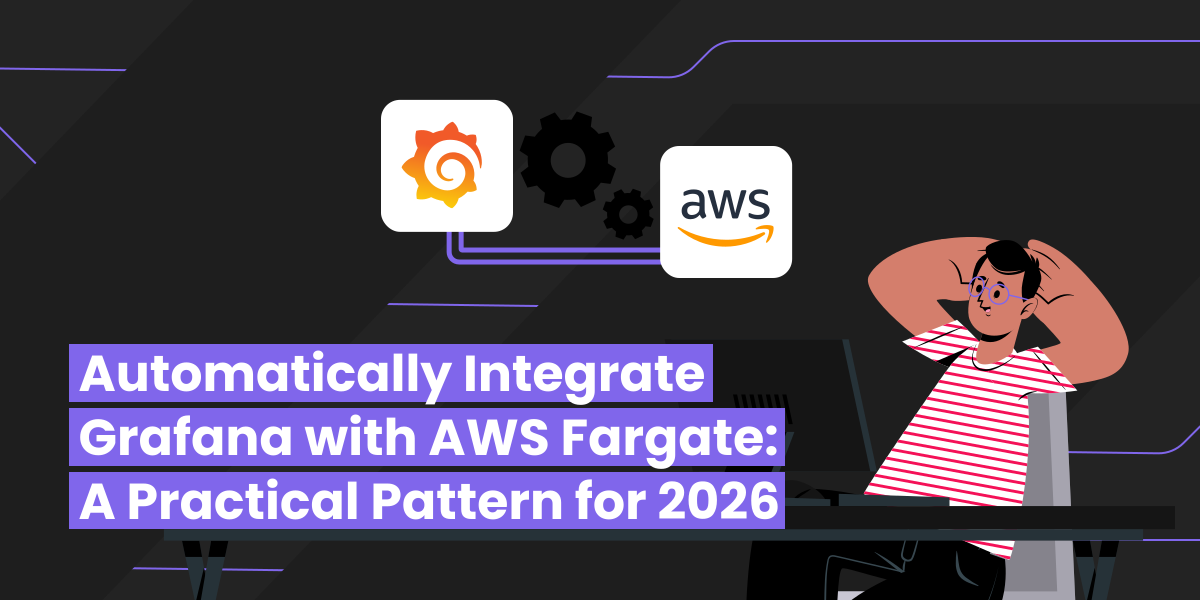
Learn how to add Grafana observability to any AWS Fargate service using a Grafana Alloy sidecar and a single Terraform module block — CPU, memory, network, and trace signals flowing in under five minutes.
 Aru Shanmugam
·
Jun 3, 2026
Aru Shanmugam
·
Jun 3, 2026
 DevOps
A Jenkinsfile with one stage, no scanning, no caching. Here's how NextLink Labs used Claude Code to rewrite it into a production GitLab pipeline with rootless BuildKit, Trivy scanning, Skopeo retag, and a proper DAG — in under an hour.
 Alex Podobnik
·
Apr 28, 2026
Alex Podobnik
·
Apr 28, 2026
 DevOps
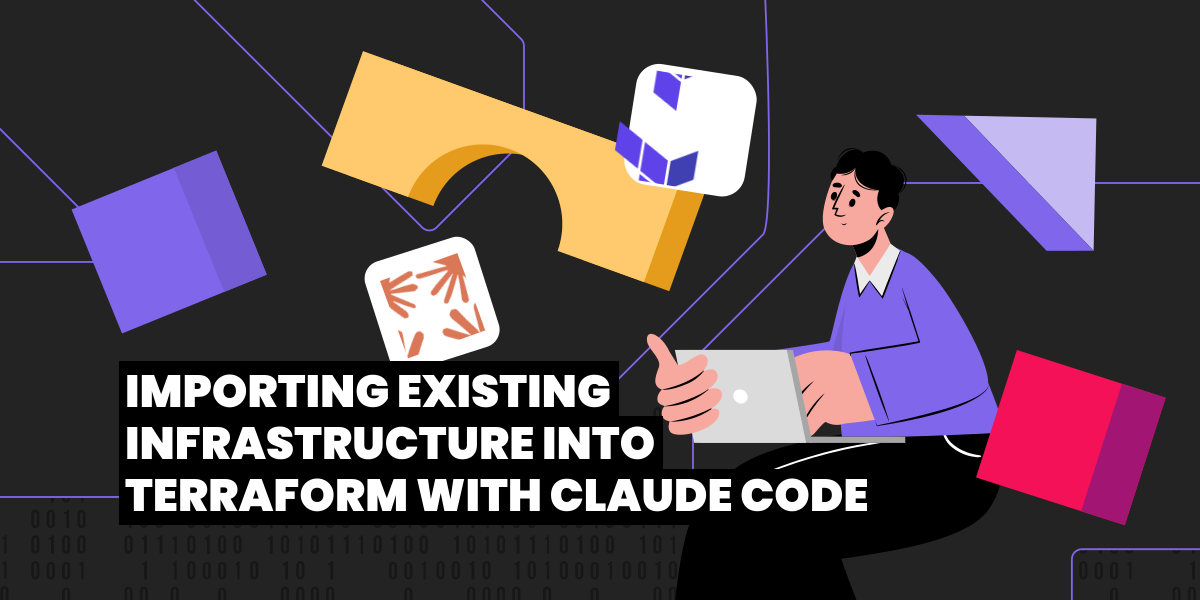
Someone set that up manually a while back. Sound familiar? Here's how NextLink Labs uses Claude Code's agentic loop to import hand-built AWS infrastructure into Terraform — compressing a multi-day job into an afternoon.
Alex Podobnik
·
Apr 24, 2026
 DevOps
Most LLM-generated Terraform is bad — not because of the tool, but because of the prompt. Here's how NextLink Labs uses Claude Code and CLAUDE.md conventions to generate Terraform modules that are close to merge-ready.
Alex Podobnik
·
Apr 24, 2026